
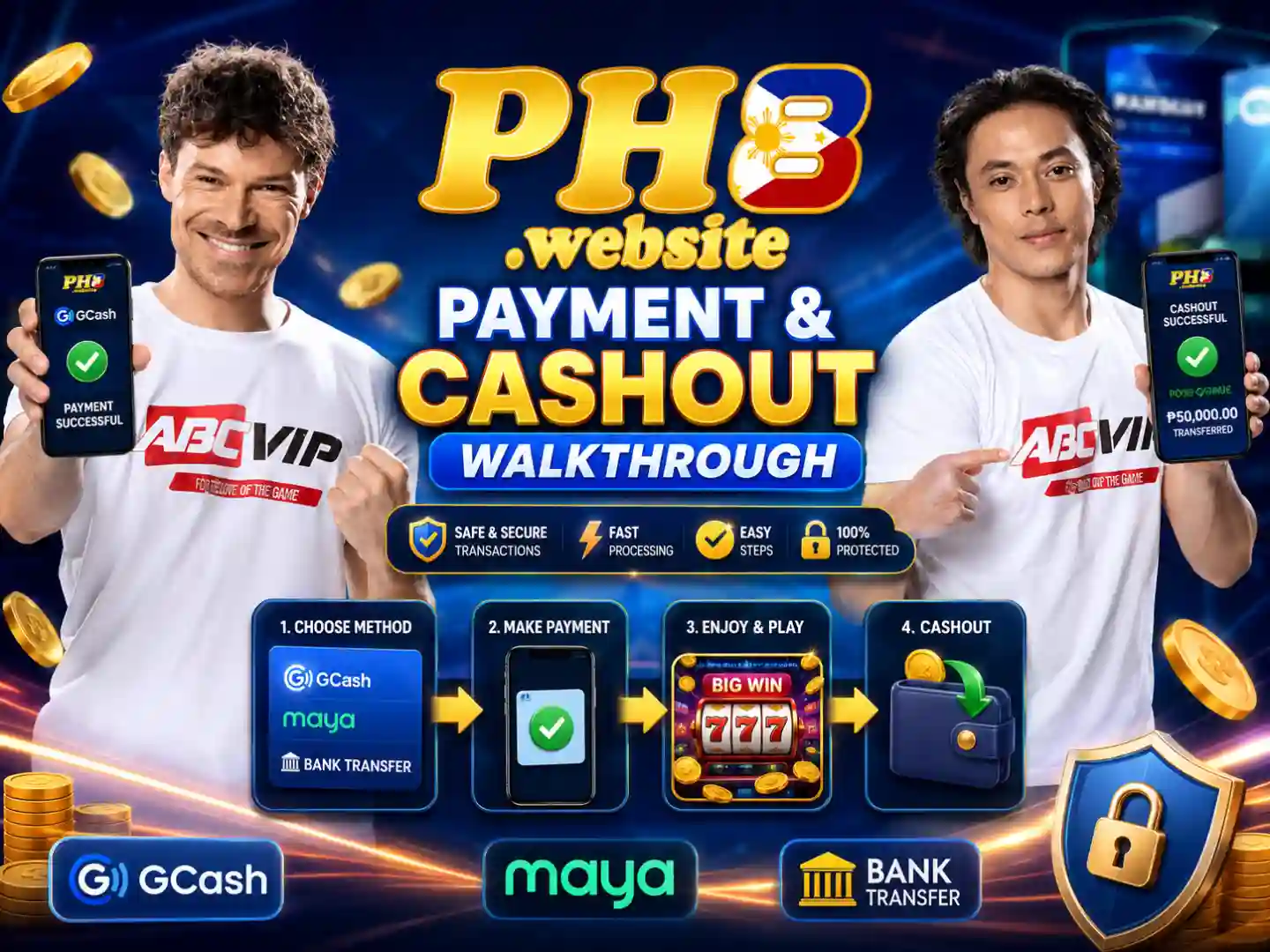
1. Dynamic QR Deposit Instructions
Follow these deposit steps on the PH8 official portal, or check options in our PH8 Payment Category Guide:
- Open Cashier > Deposit on the official PH8 web portal.
- Select 'GCash QR' or 'Maya QR' and enter your deposit amount.
- Scan the dynamically generated QR code using your e-wallet app within 5 minutes.
- Your gaming credit balance updates automatically in 1 to 3 minutes.
2. Cashout & Binding Rules
Ensure smooth cashouts on the official PH8 platform and consult our PH8 Withdrawal Guide:
- Bind a GCash or Maya account registered under your EXACT full name.
- Complete 100% of any active bonus turnover requirements before requesting cashout.
3. Troubleshooting Pending Transactions
If a transaction is delayed beyond 15 minutes, save your e-wallet Reference Number receipt and open internal 24/7 Live Chat support on the official PH8 site.
4. Related Guides
- Explore supported Philippine e-wallet channels in the ph8 payment methods overview.
- Submit fast cashout requests with the ph8 balance withdrawal walkthrough.
- Claim active welcome bonuses via the ph8 promotional rewards breakdown.