
📱 SCAN TO DOWNLOAD PH8 MOBILE APP
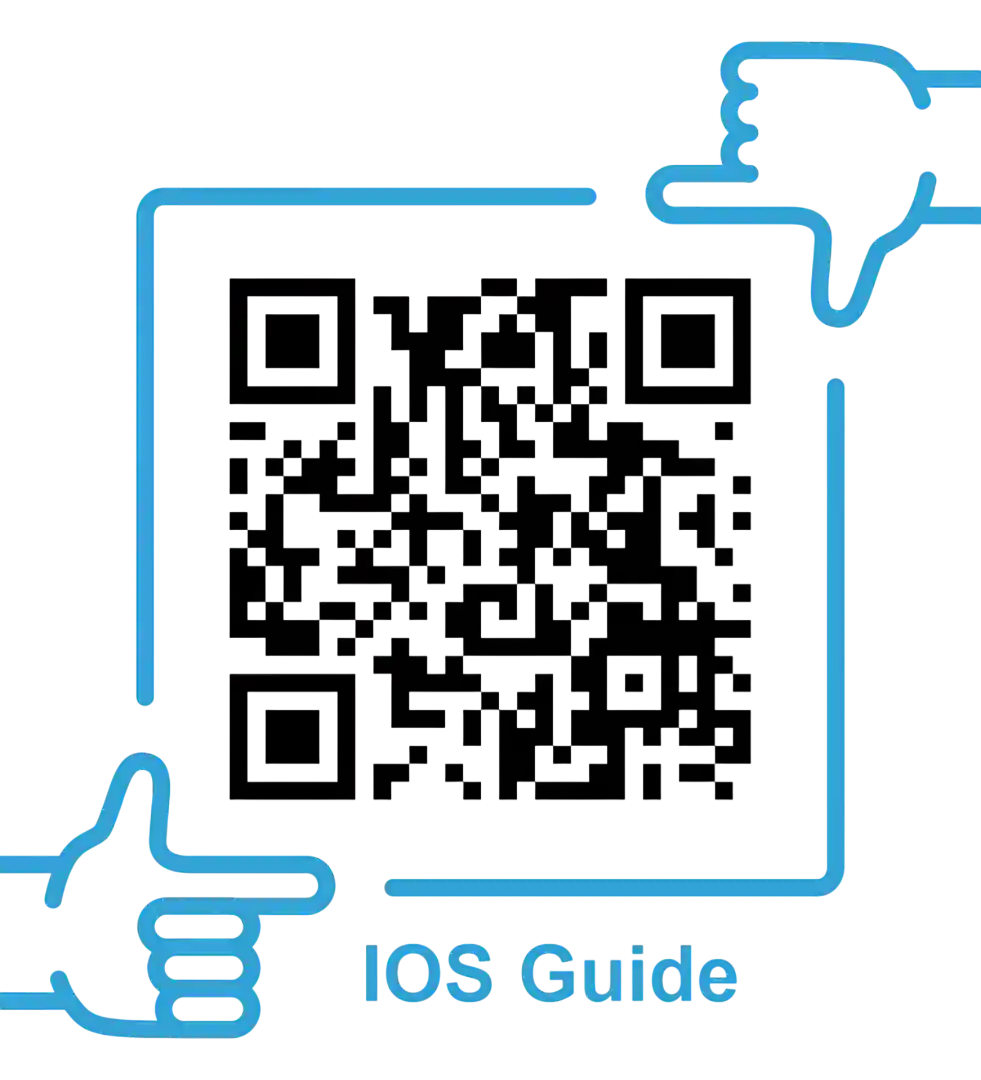
Scan the QR codes below with your smartphone camera to access official mobile installation guides and download portals for Android APK and iOS on the official PH8 platform. You can also explore our Slots Guide and App Download Promotions for extra rewards.
- Android APK Guide: Scan to access direct official APK installation steps.
- iOS Safari Shortcut: Scan to setup 1-tap iPhone Home Screen web app access.

Android APK Installation Steps
📱 Official Android APKFollow these instructions to safely install the PH8 Android mobile application package:
- Visit Official Download Page: Navigate to the PH8 official portal using your Android browser (Google Chrome or Brave).
- Download the APK File: Tap 'Download for Android' to initiate file transfer. Avoid third-party APK mirrors.
- Allow Unknown Sources: Go to Android Settings > Security > Install Unknown Apps, and grant permission to your web browser.
- Install Application: Open your 'Downloads' folder, select
ph8-official.apk, and tap 'Install'. - Launch & Login: Open the installed PH8 application and proceed to the PH8 Login Page.
iOS iPhone Installation Guide
📲 Safari Web AppApple iOS devices (iPhone and iPad) can enjoy seamless web app functionality via Safari browser integration:
- Open Safari: Open Safari on your iPhone and navigate to the official PH8 web portal.
- Tap Share Button: Tap the 'Share' icon (square icon with an upward pointing arrow) at the bottom toolbar.
- Add to Home Screen: Scroll down the options list and select 'Add to Home Screen'.
- Confirm Shortcut: Name the shortcut "PH8 Casino" and tap 'Add' in the top right corner.
- Instant Access: A dedicated PH8 app icon will appear on your iPhone screen for 1-tap gaming access!
App Permissions & System Requirements
⚡ Hardware RequirementsEnsure your smartphone meets the following minimum device specifications for fluid gaming performance:
- Android OS: Version 7.0 (Nougat) or higher, 2GB RAM, 100MB free storage space.
- iOS Version: iOS 13.0 or later, compatible with Safari WebKit engine.
- Network Connection: 4G LTE, 5G, or stable Wi-Fi connection for uninterrupted live dealer streams.
Troubleshooting App Errors:
- App Not Opening / Crashing: Clear application cache in Android Settings > Apps > PH8 > Storage > Clear Cache. Ensure your smartphone OS is updated.
- APK Installation Blocked: If Play Protect blocks installation, temporarily disable 'Scan apps with Play Protect' in Google Play Store Settings or click 'Install Anyway'.
Related Account Guides
📚 Quick Links- New players can create an account using the ph8 registration and mobile verification guide.
- Confirm official mobile installer links via the ph8 domain security and legitimacy check.
- Fund your newly installed mobile app with the ph8 e-wallet payment portal guide.
❓ APP DOWNLOAD FAQs
Yes, official PH8 mobile downloads are completely free of charge.
Real-money casino apps are restricted in public app stores. Android APKs must be downloaded directly from official operator domains, while iOS users use Safari web app shortcuts.
Go to Android Settings > Security > Install Unknown Apps and grant permission to your browser (e.g., Chrome) or tap 'Install Anyway' if prompted by Play Protect.
The app will automatically prompt you when an in-app update is available. Alternatively, redownload the latest APK directly from the official portal.
Yes, your account credentials and balance automatically sync across mobile app, mobile web, and desktop browser platforms.